

Table of Contents
- What Contract Management Software Actually Does on a Job Site
- The Hidden Cost of Running Contracts on Spreadsheets
- The Baseline Features Every Contract Tool Already Has
- The Leader-Grade Features That Separate the Best
- Contract Management for Construction: The US Compliance Layer
- Where Construction Change Order Tools Meet Your Contracts
- Contract Software for Small Contractors, or an Enterprise Suite?
- How to Evaluate the Best Contract Management Software
- Frequently Asked Questions
- The Bottom Line: Buy Control, Not Features
Your contracts probably look organized. There is a shared drive, a folder for every project, a naming convention that three people follow and everyone else ignores. Then a variation lands on a live job. The client disputes the scope. You lose a Friday afternoon digging through three inboxes for the one email that proves the work was instructed. That afternoon is where margin quietly bleeds out.
Good contract management software exists to stop that Friday from repeating. It turns scattered documents into a single commercial record you can defend. The problem is measured, not imagined: McKinsey’s construction productivity research found that 98% of large projects run more than 30% over budget, and 77% finish at least 40% late. Contracts are where most of that money is either protected or lost.
This guide is not a ranked list of vendors. It is a feature map: what every tool on the market already does, and what only the leaders do. Read it the way a quantity surveyor reads a valuation: line by line, looking for what is missing. Because the gap between good and great is not the feature list on the website. It is what the software does on the day a claim goes sideways.
What Contract Management Software Actually Does on a Job Site
Contract management software gives construction teams one system to create, sign, store, and track every contract and its variations. The best contract management software goes further: it links each obligation, change order, and payment back to the original agreement, so commercial teams see live exposure instead of reconstructing it after the dispute has already started.
Most teams meet this category at the worst possible moment: mid-claim. They already have somewhere to file documents. What they do not have is a live line from what was agreed to what actually happened on site. A contract is not a PDF you file. It is a running account of who owes what, and when.
The stakes are commercial, not administrative. When the paper trail is scattered, the party with the better records wins the argument, regardless of who was actually right. Contractors lose legitimate money every quarter because they cannot assemble the evidence fast enough to defend it.
From document storage to commercial control
The common mistake is treating this as a filing problem. Buy more storage, add more folders, and the contracts will be under control. They will not. Storage tells you where a document is. Control tells you what it obligates you to do, what it entitles you to claim, and whether either side has fallen behind.
Picture a mid-size general contractor running fourteen active projects. Each one has a prime contract, a dozen subcontracts, and a stream of change orders. The folder approach can hold all of it. It cannot tell the commercial director, on a Tuesday morning, which three projects carry unapproved variations worth more than $50,000. Real contract management answers that question in one screen.
Why generic tools break on construction contracts
Generic legal contract tools were built for a signature and a filing cabinet. Sign the NDA, store it, set a renewal reminder. Construction does not work that way. A construction contract is alive for months or years, and it changes constantly through instructions, valuations, and disputed scope.
The best tools treat the contract as the spine and the variations as the vertebrae: connected, sequential, and load-bearing. That is the difference that decides whether the software survives contact with a real project.
The Hidden Cost of Running Contracts on Spreadsheets
Running contracts on spreadsheets costs far more than the license fee you avoid. Change orders account for 10% to 15% of total project cost on a typical build. When that value lives in disconnected tabs and email threads, a slice of it becomes unrecoverable simply because no one can prove it in time. On a $20M contractor, a 2% leakage rate is $400,000 a year.
Consider the math before you defend the spreadsheet. Take your annual project value. Multiply by the 10% to 15% that flows through variations. Then ask honestly what share of that you cannot currently tie to a signed, dated instruction. That last number is your exposure, and it is usually larger than anyone wants to admit out loud.
The reason the spreadsheet feels fine is that the losses are invisible. You never see the claim you failed to make. You only see the ones you win. Replacing spreadsheets for contracts is not about tidier files: it is about making the invisible losses visible before they harden into write-offs.
A simple way to size your own leakage
Disputes are the extreme end of the same problem, and they are expensive. Arcadis, which tracks construction disputes every year, put the average North American dispute at roughly $43 million and over fourteen months to resolve. Most contractors will never see a number that large. They will see the smaller version of it, monthly, in variations that quietly never get paid.
What one buried change order really costs
Picture a $38,000 variation instructed verbally by a site engineer, confirmed in an email, then never formally raised because the project manager was firefighting three other issues that week. The work gets done. The cost gets absorbed. Six months later, at final account, the client’s QS asks for the paperwork, and there is none that holds up. That $38,000 does not come back. Multiply it by a busy year and the spreadsheet stops looking free.
The Baseline Features Every Contract Tool Already Has
Every credible contract management tool now ships the same core: a central repository, version control, e-signatures, automated alerts, and approval routing. These are table stakes. They are necessary, and they are not a differentiator. If a vendor is still selling these as headline features in 2026, they are describing the floor as if it were the ceiling.
The best tools treat these as plumbing: essential, invisible, and never the reason you buy. You should confirm they exist, then stop giving them weight in the decision. The interesting question starts one level up.
Central repository and version control
One place for every contract, every version, every signed variation. When a subcontractor claims they never received a revised scope, you need the timestamp, not a memory. Version control settles that argument in seconds rather than days. Useful, expected, and no longer remarkable.
E-signatures, approvals, and automatic alerts
Digital signing collapses a two-week postal loop into an afternoon. Approval routing makes sure a variation cannot sit unseen in one person’s inbox. Alerts warn you before a deadline passes rather than after. Good hygiene, all of it. None of it explains why one platform protects margin better than another.
The Leader-Grade Features That Separate the Best
The features that separate the leaders share one trait: they connect the contract to the money. Change-order-to-payment traceability, automated obligation tracking, and real-time commercial dashboards turn a document store into a control system. This is where the top contract management software stops describing the past and starts protecting the next valuation.
Here is the honest split between what every tool offers and what only the leaders deliver.
| Capability | Baseline tools | Leader-grade tools |
| Documents | Store and search contracts | Link every clause to obligations and value |
| Change orders | Log and approve variations | Trace each variation from instruction to payment |
| Reporting | Export status spreadsheets | Live dashboards on exposure and cash |
| Compliance | Hold signed PDFs | Build AIA pay apps, retainage, and lien waivers in |
| Audit trail | Track who edited a file | Timestamped evidence ready for a claim |
Change order to payment, in one thread
This is the single most valuable capability on the list. A leader-grade platform keeps the instruction, the priced variation, the approval, and the payment application on one connected thread. When the client questions a line at final account, you produce the full sequence in one click rather than rebuilding it from memory and inboxes.
Teams discover the value of this the hard way, usually after their first serious dispute. The ones who have it stop losing arguments they should always have won.
Obligations that chase themselves
Every contract carries obligations with dates attached: notices, submissions, extensions of time. Miss the notice window and you can forfeit a legitimate claim on a technicality. The best software tracks these obligations against the calendar and warns the responsible person before the window closes, rather than recording the miss afterward.
A commercial dashboard your director will actually open
A commercial director does not want a 40-tab spreadsheet. They want one view: total contract value, approved variations, pending exposure, and cash at risk, across every live project. When that view updates in real time, the monthly commercial review changes from an archaeology project into a five-minute decision. That is design maturity, not decoration.
Ready to see your variations in one place? If change-order-to-payment traceability is the capability you are missing, that is exactly the gap Sinq was built to close. Book a short scoping call: no pitch deck, no commitment, just a look at your workflow.
Contract Management for Construction: The US Compliance Layer
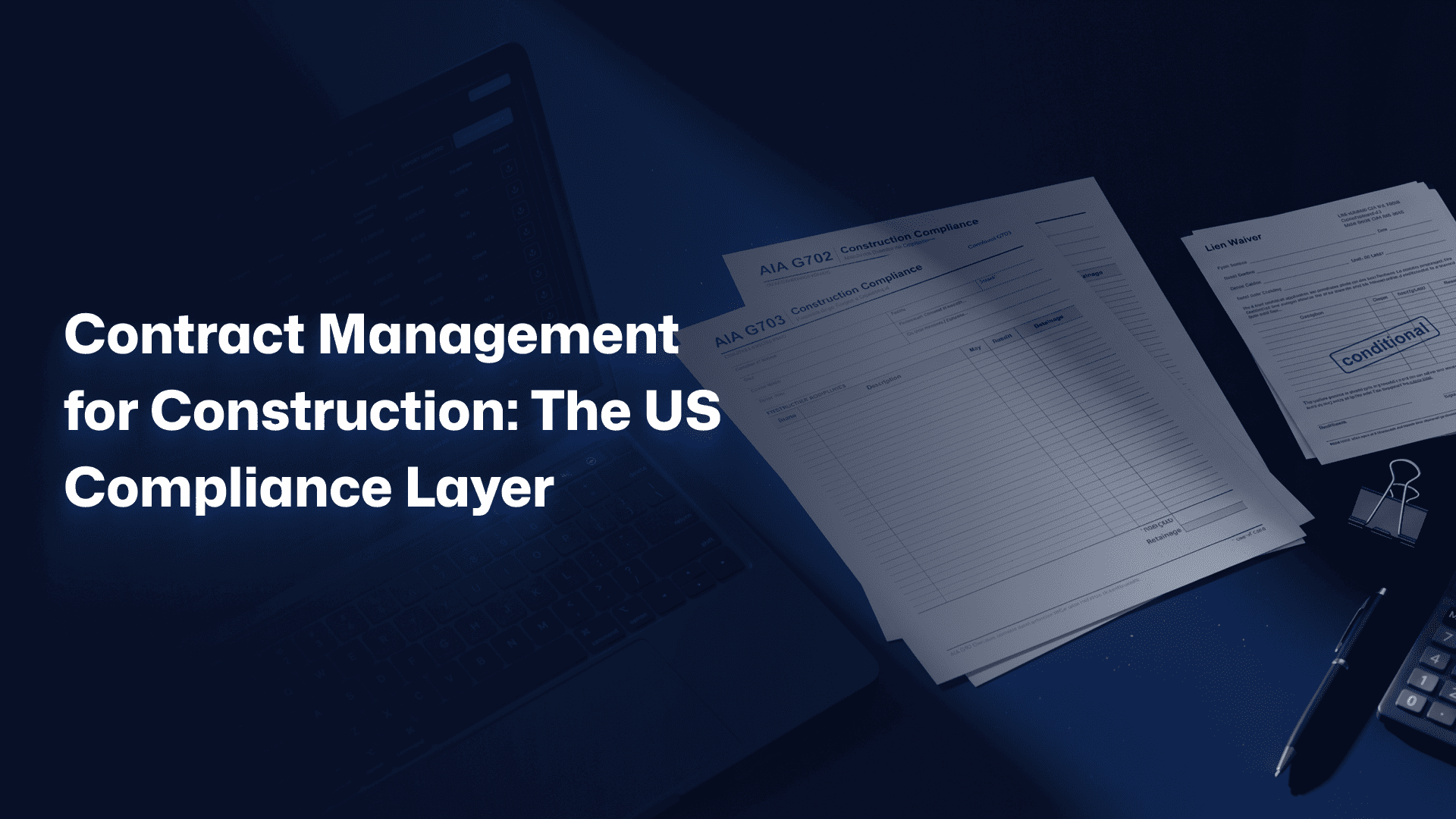
Contract management for construction in the US carries requirements generic tools ignore: AIA G702 and G703 pay applications, retainage math, conditional and unconditional lien waivers, and state prompt-payment rules. Software that cannot handle these forces your team back into spreadsheets for the exact documents that move the money. Compliance is not a nice-to-have here. It is the workflow.
This is the layer where construction-specific tools pull away from general contract platforms. Contract management for construction is judged less on how it stores a PDF and more on whether it produces the documents your client’s finance team requires, in the format they require, without rework.
AIA G702 and G703 pay applications
The G702 and G703 are the standard progress-billing forms on most US commercial work. They tie the schedule of values to the amount billed this period, less retainage. A platform that generates these directly from your contract data removes a monthly manual rebuild. You can read the full library of current AIA contract documents to see how deep this standardization runs, and why software that respects it saves real hours.
Retainage, lien waivers, and prompt-payment rules
Retainage withholds a percentage of each payment until milestones are met, and the accounting has to follow it precisely. Lien waivers, conditional and unconditional, protect payment rights and vary by state. The best contract tools automate the waiver exchange rather than leaving it to a paralegal and a scanner. Get this wrong and payment stalls: not because the work is disputed, but because the paperwork is not clean.
Where Construction Change Order Tools Meet Your Contracts
Change orders and contracts are the same story told at two speeds. A change order is not an administrative afterthought: it is an amendment to the contract, with its own price, scope, and approval. The strongest platforms treat them as one connected record, so an approved change flows straight into the contract value and the next payment application without re-keying.
When these live in separate systems, the seams leak. A variation gets approved in one tool and never updates the contract value in another. Construction change order tools earn their place only when they close that gap rather than adding another one.
Why a change order is a contract event
Treat a change order as a contract event and the whole workflow tightens. The instruction, the price, and the approval attach to the parent contract, so contract value is always current. Treat it as a standalone form and you get two versions of the truth: the contract says one number, the change log says another, and the final account becomes a negotiation over which system to believe.
Syncing approved changes to accounting
Approval is not the finish line. The number has to reach accounting. Leader-grade tools push approved variations into the finance stack that US contractors actually run: QuickBooks, Sage 300 CRE, Foundation, or Viewpoint. When that sync is automatic, the value you fought to approve does not evaporate between the site office and the ledger.
Contract Software for Small Contractors, or an Enterprise Suite?
The right choice depends on size and complexity, not brand. A small contractor running six projects needs different software than a national firm running six hundred. Enterprise suites offer depth that a two-person commercial team will never use, and that unused depth carries a real cost in setup, training, and abandonment. Bigger is not automatically better.
This is the honest concession most buying guides skip. The best software is the one your team will actually use every day, not the one with the longest feature list. A tool that gets ignored protects nothing.
When a lightweight tool is the honest answer
If you run a handful of projects with simple contracts and a small team, a focused tool beats a sprawling suite. Contract software for small contractors should install in days, not quarters, and should not require a dedicated administrator to keep running.
Best for small contractors: fast setup, change-order tracking, clean audit trail, and one accounting integration that works.
When you have outgrown spreadsheets and point tools
The signal to move up is not project count. It is the day your commercial data lives in five places and no one can reconcile them before the monthly review. When you are stitching together a spreadsheet, an accounting package, and three inboxes to answer one question about exposure, you have outgrown the setup. That is the moment a connected platform pays for itself.
Best for growing contractors: connected contract and variation data, real-time dashboards, and compliance built in rather than bolted on.
How to Evaluate the Best Contract Management Software
Evaluate the best contract management software on adoption and traceability, not feature count. The tool that wins is the one your team opens every day and the one that connects a contract to its money. Score every vendor on five questions, then test the two finalists on a real project before you sign anything longer than a month.
Ask every vendor the same five questions, and watch how fast they answer.
- Can you trace a single change order from instruction to payment in one click? Show me.
- Which accounting systems do you sync with, and is it live or a manual export?
- Can you generate AIA G702 and G703 pay applications from contract data?
- How long is a realistic rollout for a team our size, in weeks?
- What does the audit trail look like on the day I have to defend a claim?
Where you evaluate the best contract management software for your business, weight those answers by how directly they protect margin. A confident, specific demo of question one is worth more than a hundred checkboxes on a comparison grid.
The integration checklist that predicts adoption
Integration is the quiet predictor of whether software sticks. If the contract tool does not talk to your accounting package, someone re-keys every number, and re-keying is where adoption goes to die. Confirm live sync with QuickBooks, Sage 300 CRE, Foundation, or Viewpoint before you shortlist. AI features are arriving fast here too: Gartner predicts half of contract management will be AI-enabled by 2027, but treat AI as a bonus on top of traceability, not a substitute for it.
Already know traceability is your gap? Start a conversation with Sinq, or keep reading for the questions buyers ask most.
Frequently Asked Questions
What is the best contract management software for construction companies?
The best contract management software for construction companies is the one that links contracts, change orders, and payments in a single traceable record. For US contractors, that means built-in AIA pay applications, retainage and lien-waiver handling, and live accounting sync. Feature count matters less than daily adoption: the tool your commercial team actually opens every morning is the one protecting your margin. Trial two finalists on a real project before committing.
Can contract management software replace spreadsheets for contracts?
Yes, and for most contractors it should. Spreadsheets cannot connect a variation to its approval and payment, so value leaks the moment records scatter across tabs and inboxes. Contract management software keeps that chain intact and timestamped. The switch is less about tidier files and more about recovering money you currently lose because you cannot prove a claim in time. Most teams size the leakage at 1% to 3% of project value.
How is contract management software different from project management software?
Project management software tracks schedule, tasks, and site progress. Contract management software tracks the commercial agreement: obligations, variations, valuations, and payment entitlement. They overlap but do not replace each other. A project tool tells you the wall got built. A contract tool tells you whether the extra wall was instructed, priced, approved, and paid. Leading contractors run both, and connect them where change orders cross over.
Do small contractors really need contract management software?
Small contractors need it once contract value or dispute risk outgrows what a spreadsheet can defend. If you run a few simple projects, a lightweight tool with change-order tracking may be enough. The trigger to invest is not company size: it is the first time you lose a legitimate claim because the paperwork was not clean. At that point, the software costs less than a single unrecovered variation.
How do contract management and change order tools work together?
They work best as one system, not two. A change order is an amendment to the contract, so an approved variation should update contract value and flow into the next payment application automatically. When change order tools and contract management live separately, the numbers drift apart and the final account becomes an argument. The strongest platforms keep instruction, price, approval, and payment on one connected thread.
The Bottom Line: Buy Control, Not Features
Stop shopping for the longest feature list. Every tool stores documents and collects signatures. That is the floor. The leaders do one thing more: they connect every contract to its money, so nothing you are owed slips through a seam between systems.
The features that separate the best contract management software are not glamorous. Change-order-to-payment traceability. Obligations that chase themselves. A dashboard your director opens. Compliance built for US construction rather than bolted on afterward. Judge every vendor on those, and the shortlist gets short fast.
If you build or manage construction projects in the US and you are tired of proving claims from three inboxes, book a free 30-minute discovery call with Sinq. No pitch deck. No pressure. Just a direct look at whether connected contract and variation management fits how your team works.
Buy the tool that protects margin, not the one with the most checkboxes. Control beats features every time.