
Table of Contents
- The Gap Between the Trailer and the Field Is Where Margin Dies
- What Contractor Project Management Software Actually Does
- The Real Price of Running a Job on Disconnected Tools
- Scheduling: Turn a Static Gantt Chart Into a Plan the Field Actually Updates
- Budgets and Job Costing: Catch the Overrun While You Can Still Stop It
- Field Updates: Capture the Site Before It Becomes a Dispute
- One System of Record, Not Three Tools That Almost Talk
- How to Choose Contractor Project Management Software: A Buyer’s Checklist
- Switching Without the Chaos: Migrating Off Spreadsheets and Legacy Tools
- Frequently Asked Questions
- Sync the Job, or Keep Paying for the Gap
The Gap Between the Trailer and the Field Is Where Margin Dies
Picture the project manager who opens Monday with three versions of the truth. The schedule lives in one program, last touched on Tuesday. The budget sits in a spreadsheet only the accountant fully trusts. The field arrives as texts, photos, and a voicemail from a foreman already three problems down the road. None of the three agree. That gap, between what the schedule claims, what the budget shows, and what actually happened on site, is where a contractor management platform earns its keep.
The gap is not a feeling. It is measurable, and it is enormous. Construction professionals spend roughly 35 percent of their time, more than 14 hours a week, on non-productive work: hunting for project information, resolving conflicts, and redoing what went wrong. According to the PlanGrid and FMI Construction Disconnected report, that lost time adds up to more than 177 billion dollars in labor cost across the United States every year. Not from bad workers. From disconnected information.
You already know the shape of this problem if you run projects for a living. The estimate was solid. The crews are capable. And still the job leaks time and money through a hundred small handoffs that nobody owns. Contractor project management software exists to close those handoffs: to make the schedule, the budget, and the field report the same event instead of three arguments about it.
This guide is not a list of logos. It walks through what the software actually does, what the disconnect really costs, how scheduling, budgets, and field capture connect into one record, how to evaluate a platform, and how to switch without stalling your jobs. Read it as a commercial decision, because that is what it is.
What Contractor Project Management Software Actually Does
Contractor project management software is a single platform that connects a project’s schedule, budget, and field activity so every stakeholder works from the same live record. It replaces the patchwork of standalone scheduling tools, cost spreadsheets, and text-message field updates with one system that tracks tasks, costs, documents, and site progress in real time.
Strip away the marketing and the category does three jobs. It plans the work and keeps that plan current. It tracks the money against that plan as the money moves. And it captures what happens on site as it happens, rather than a week later when memory has already edited the story. The best platforms do all three in one place, so a delay logged in the field updates the schedule and flags the budget without anyone rekeying a thing.
Contractors confuse this category with two neighbors constantly. Accounting software tells you what the job cost after the fact. A standalone scheduler tells you what should happen but never hears back from the field. Project management software sits between them and keeps them honest: it is the layer where the plan, the money, and the reality meet while you can still act on the difference.
Think of it as the nervous system of the job rather than a filing cabinet for it. A filing cabinet stores what already happened. A nervous system carries a signal the moment something changes: a slipped pour, an approved change, a missing submittal, and routes it to the people who need to react. When the system runs on connected data rather than reentered copies, the signal arrives while it still matters.
The Real Price of Running a Job on Disconnected Tools
Disconnected tools do not announce their cost. They bleed it: a few hours here rekeying a change, a few thousand dollars there on a variation nobody priced, a few weeks lost when the schedule and the field finally disagree out loud. Industry research puts rework alone at as much as 20 percent of total project cost, and rework driven by poor information and miscommunication accounts for nearly half of it.
Consider the math on a mid-size general contractor running eight concurrent jobs. If each project loses even two weeks and three percent of budget to information that arrived late or wrong, the annual number is not a rounding error. It is a crew, a truck, or the margin on your next bid. Cost overruns are not rare events to plan around: studies find they touch the overwhelming majority of construction projects, with the average job finishing at least 16 percent over its original budget.
Here is the part contractors feel but rarely price. A change order caught in the cost report in June is a negotiation. The same change discovered at closeout in September is a loss you absorb. The tool does not create the change. It decides whether you see it while you can still negotiate, or after the room to negotiate is gone. That difference is the whole return on the software.
Scheduling: Turn a Static Gantt Chart Into a Plan the Field Actually Updates
Construction scheduling software inside a project management platform keeps the plan alive by connecting it to the field. Instead of a Gantt chart that ages the moment it is published, tasks update from real site progress, dependencies recalculate automatically, and the critical path reflects what is actually happening rather than what was assumed at kickoff.
Why the standalone schedule always goes stale
Ask most project managers when their master schedule was last accurate and the honest answer is a shrug. A schedule built in isolation is a forecast nobody feeds. The pour slips, the inspection moves, the long-lead item arrives early, and none of it reaches the chart until the next coordination meeting, if then. A plan nobody updates is not a plan. It is a decoration on the trailer wall.
The fix is not a prettier chart. It is a schedule wired to the same system the field already touches. When a foreman closes out a task on a phone, the downstream dates move on their own. When a delay gets logged, the platform shows you which trades it hits and how far it pushes the finish, before the client asks. You manage the plan by exception rather than by rebuilding it every Friday.
What good scheduling looks like on a real job
Picture a renovation with three trades stacked on the same floor. The drywall crew finishes two days early, but the standalone schedule still shows the old date, so the painter does not get pulled forward and you lose the two days you just gained. On a connected platform the early finish updates the sequence automatically, the painter sees the new window, and the float lands in your pocket rather than evaporating. That is the difference between a schedule you watch and a schedule that works for you.
Budgets and Job Costing: Catch the Overrun While You Can Still Stop It
Job costing software inside a project management platform tracks committed and actual costs against the budget in real time, so overruns surface while you can still act on them. It ties every commitment, change order, and invoice to a cost code, giving commercial teams a live view of margin instead of a month-end surprise.
The month-end report is a coroner, not a doctor
Most contractors still learn the truth about a job from an accounting report that closes weeks after the money was spent. By then the report is a postmortem. It tells you the patient died, not how to save them. Real cost control happens at the moment of commitment: when the subcontract is signed, when the change is approved, when the purchase order goes out, not when the invoice clears.
The best contractor project management software moves cost visibility upstream to that moment. Commit a subcontract and the budget reflects it instantly. Approve a change and the projected final cost updates before the work starts. You watch margin as a live number rather than reconstruct it after the fact. That shift, from historical to forward-looking, is the entire point of job costing that lives inside the project rather than beside it.
Where the money actually leaks
The quiet killer is the unpriced variation: the field instruction issued verbally, the extra work done in good faith, the email buried in a thread nobody links to the budget. A 40,000 dollar variation lost in an inbox is not a paperwork problem. It is 40,000 dollars of margin you will never bill. Software that forces every change through the cost model, rather than trusting it to memory, is how disciplined commercial teams stop the leak before it starts.
Field Updates: Capture the Site Before It Becomes a Dispute
Field management software captures site activity in real time through a mobile app: daily logs, photos, delays, safety records, and field instructions logged as they happen. This creates a timestamped, defensible record that feeds the schedule and budget automatically, rather than a stack of notes reconstructed days later.
The site is where the truth of a job lives, and it is the hardest place to capture. A foreman running fifteen people does not want to file a report. They want to build. So the field notes get thin, the photos live on someone’s phone, and the delay that started a dispute has no timestamp when the claim lands six months later. Mobile field capture is not a nice-to-have feature. It is your evidence.
Good field tools win adoption by asking for less, not more. A daily log that takes ninety seconds and photographs the work gets filled in. A form with thirty required fields gets skipped. The measure of field software is not how much it can capture. It is how much your crews will actually give it on a bad weather day when they are already behind. Design for the tired foreman, and the record fills itself.
Consider what that record is worth when a dispute arrives. A subcontractor claims they were delayed by others and demands an extension of time. If your field logs show, with photos and timestamps, that the delay ran the other way, the conversation ends in an afternoon. Without that record it becomes a negotiation you settle to make go away. The field data you captured for free becomes the advantage you would have paid a consultant for.
One System of Record, Not Three Tools That Almost Talk
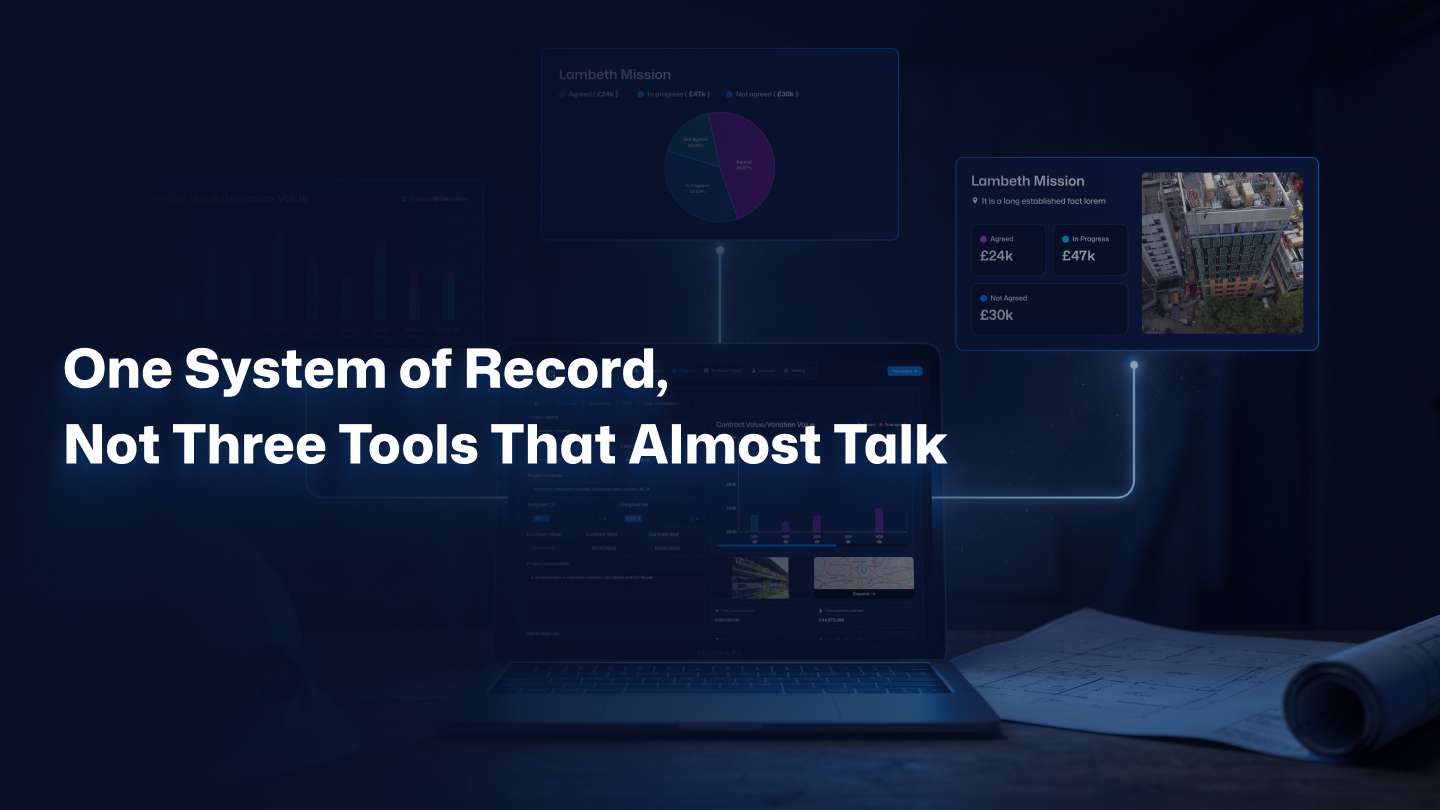
The real value of contractor project management software is not any single feature. It is the connection between them: a schedule, a budget, and a field record that share one database, so a change in any one updates the other two automatically. Three separate tools that export to each other are not integrated. They are three tools that almost talk.
This is where most software stories quietly fall apart. A firm buys a scheduler, a costing spreadsheet, and a field app, then spends its evenings rekeying data between them. Every manual transfer is a chance to introduce an error, and every error compounds down the line. Data reentered by hand rather than shared by design is the exact disconnect the whole category was supposed to fix.
Watch what happens on a connected platform when a single event lands. A foreman logs that the steel arrived late. The schedule pushes the dependent tasks and recalculates the finish date. The budget flags the cost of the standby time. The change register opens a potential claim against the supplier. One field entry, three systems responding, zero rekeying. That is not convenience. It is the difference between a record you trust and a record you hope is current.
This is also the industry’s biggest unsolved problem in miniature. United States construction labor productivity has barely moved in decades, even as manufacturing and agriculture roughly doubled output per worker over the same span, a gap visible in U.S. Bureau of Labor Statistics productivity data. The tools got sharper while the coordination stayed broken. Connected data is the most credible fix anyone has put forward, because it attacks the handoffs where the hours actually vanish.
The integration test that separates real platforms from bundles
Ask any vendor one question and watch them answer it: when a change order is approved, what updates on its own? The strong platforms will show you the budget, the schedule, and the document trail all moving from that single approval. The weak ones will talk about export files and overnight syncs. One built connection into the foundation. The other bolted three products together and hoped. Demand the live demo, then change something and see what moves.
Want to see schedules, budgets, and field updates move as one record? If a connected system is what you are actually looking for, the next step is a short scoping call, not a sales pitch. Book a free 30-minute discovery call with Sinq, or keep reading to work through the buyer’s checklist first.
How to Choose Contractor Project Management Software: A Buyer’s Checklist
Choosing contractor project management software starts with your workflow, not a feature list. Map where your team loses time, where costs turn murky, and where information gets stuck, then choose the platform that closes those specific gaps with the least friction. The strongest systems share four traits: a unified database, real mobile field access, activity-level cost tracking, and clear permission controls.
Feature checklists lie to you. Every vendor checks every box, so the list tells you nothing about fit. The better question is where your specific jobs bleed. A field-heavy contractor should weight mobile capture and daily logs above everything. A firm fighting margin erosion should weight job costing and change management first. Buy for your leak rather than for the longest feature grid, because the longest grid usually hides the steepest learning curve.
Questions to ask every vendor before you sign
Evaluate platforms with a short, honest list. Ask these five on every demo:
- When a change order is approved, what updates automatically across the schedule, the budget, and the documents?
- What does the field app ask a foreman to do, and how long does a daily log take on a phone?
- How does cost data flow to and from our accounting system, and is it real-time or batched?
- What is the real implementation timeline, and who owns configuration and training?
- What happens to our data if we leave, and can we export it in full?
The answers reveal operating culture faster than any portfolio slide. A vendor who leads with connection and adoption is selling a system. A vendor who leads with module counts is selling a bundle. If you want a wider view of the stack that surrounds this decision, our guide to the best PM software for contractors maps how scheduling, costing, and field tools fit together across a growing firm.
Right-size the decision to your firm
Match the tool to the firm you are, not the firm you picture on your best day. A remodeler running four jobs needs client communication and simple job costing, not enterprise scheduling. A commercial GC scaling past a dozen concurrent projects needs the full connected record or the coordination cost will eat the growth. The best implementations start with the two workflows that hurt most and expand once the field and office trust the system.
Switching Without the Chaos: Migrating Off Spreadsheets and Legacy Tools
Migrating to new construction project management software works best as a phased rollout, not a single switch. Most small and mid-size contractors should plan six to twelve weeks: stand up the core functions first, daily logs, document control, and cost tracking, then add scheduling and advanced modules once the field and office are comfortable. The goal is adoption, not a big-bang cutover. Trade bodies such as the Associated General Contractors of America publish project-controls and contract-administration guidance worth aligning the rollout to, so the system reinforces how your teams already run and document work.
Now the honest concession. Not every contractor needs a full platform tomorrow, and anyone who tells you otherwise is selling. A two-person outfit running three jobs a year can absolutely survive on a good spreadsheet and a shared drive. The tool is overhead until the coordination cost of doing without it grows larger than the cost of the software. That crossover is real, and it is worth naming.
Here is when the spreadsheet stops working. The moment you run enough concurrent jobs that no single person holds the whole picture in their head, the manual system starts leaking faster than the software costs. That is the line. Below it, stay lean. Above it, every week you wait is coordination cost you will never recover, and the migration only gets heavier as your data sprawls across more files.
How to switch without stalling your jobs
A clean contractor software migration respects one rule above all: never move everything at once. Start with active projects and the two workflows that hurt most, run the old system in parallel for a cycle, and cut over module by module as trust builds. Assign one internal owner who lives in the new platform daily, because software adoption fails on ownership far more often than on features. Migration is not a weekend project. It is a phased handover, and the firms that treat it that way keep billing the whole time.
Frequently Asked Questions
What is contractor project management software?
Contractor project management software is a platform that connects a construction project’s schedule, budget, and field activity in one system. It replaces standalone scheduling tools, cost spreadsheets, and scattered field notes with a single live record. Every stakeholder, from the estimator to the foreman, works from the same data, so a change in the field updates the schedule and budget automatically instead of by hand.
What features should contractor project management software have?
The core four are a unified database, mobile field capture, activity-level job costing, and role-based permissions. Beyond those, look for scheduling with automatic dependency updates, change order and RFI tracking, document control, and real-time dashboards. The test is not the length of the feature list. It is whether an approved change order updates the schedule, the budget, and the documents on its own, without anyone rekeying the data.
How much does construction project management software cost?
Pricing usually runs per user per month or as a percentage of project volume, and the sticker price is only part of the cost. Configuration, training, and support hours rarely appear on the invoice, yet they replace billable coordination time during rollout. Weigh the total against what disconnect already costs you: rework and lost information consume roughly a third of construction labor time, so the real comparison is the software price against the leak it closes.
How long does it take to implement contractor project management software?
Most small and mid-size contractors should plan six to twelve weeks using a phased approach. Bring core functions live first, daily logs, document control, and cost tracking, then add scheduling and advanced modules once staff are comfortable. A big-bang cutover on every project at once is the most common way implementations fail. Phased rollouts with one internal owner succeed far more often because adoption depends on habit, not on the switch date.
Does project management software replace construction accounting software?
No, and treating it as a replacement is a mistake. Accounting software handles the general ledger, payroll, and financial statements. Project management software handles the operational side: schedules, field data, change orders, and job-level cost tracking. The two should connect, not compete. The best setup syncs committed and actual costs between them so the project team sees margin in real time while the accounting team keeps the books of record.
Sync the Job, or Keep Paying for the Gap
The job does not lose money in one dramatic failure. It leaks through the gap between the schedule, the budget, and the field: a slipped date nobody flagged, a change nobody priced, a delay nobody logged. Contractor project management software closes that gap by making all three the same record instead of three arguments about the same week. That is the entire return, and it is a large one.
Plan the work so the field keeps the plan alive. Track the money at the moment you commit it, not at closeout. Capture the site while the evidence is fresh. Then connect the three, because connection is the feature that pays for the rest. Every contractor who protects their margin already knows the disconnect is expensive. The only question is whether your system closes it or hopes it away.
If you are choosing construction software for small firms or scaling a growing GC and want schedules, budgets, and field updates in one connected system, book a free 30-minute discovery call with Sinq. No pitch deck. No pressure. Just a direct conversation about whether it fits the way you already run jobs.
Sync the job, or keep paying for the gap.