
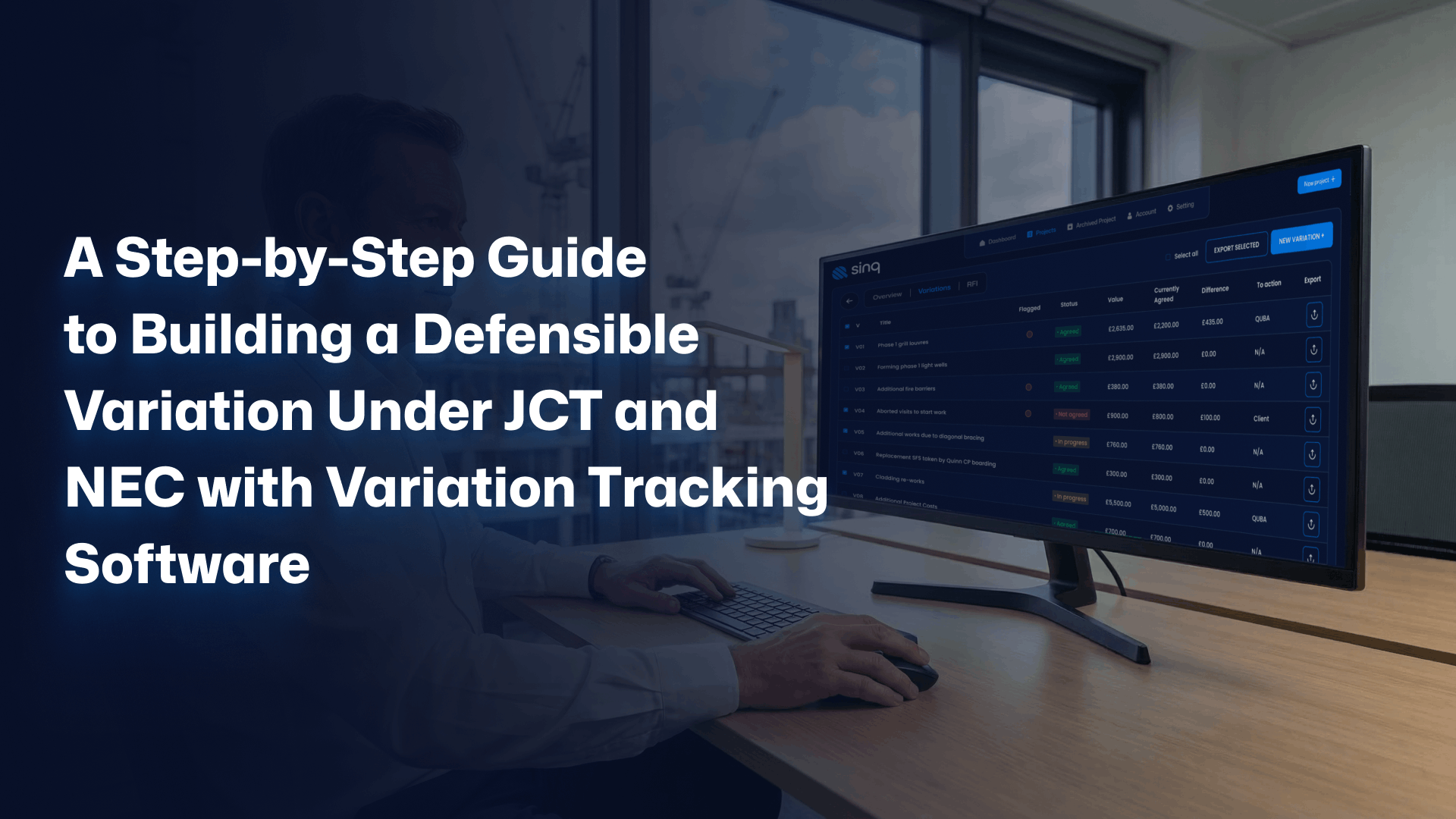
The client’s QS has sent over their variation schedule. Their figures do not match yours. Your team is adamant the work was instructed, the emails feel clear enough, but the paper trail is thin and the JCT or NEC wording suddenly feels very real. Sinq exists for exactly this moment, when you realise that building a defensible variation is less about who is right and more about what you can actually prove.
This is where the gap sits. Not in technical knowledge of the contract, but in how you capture, price, approve and evidence change as it happens. Sinq gives main contractors a financial-first structure around that process, with variation tracking software for builders that mirrors UK workflows instead of fighting them.
The quiet chaos that kills variations before they reach the final account
You already know what a variation is. The problem is everything that happens between the first conversation on site and the final account negotiation months later.
On most jobs, that path is messy. Instructions are verbal. RFIs live in WhatsApp. Subcontractor quotes sit as PDFs in someone’s inbox. By the time you try to line it all up against JCT or NEC clauses, you are working from memory and scattered files.
This is not a competence problem. It is an infrastructure problem.
What your variation process really looks like today
Here is what we see on UK sites again and again:
- A master spreadsheet that one QS “owns”, updated when they can
- Email threads with the client’s QS that mix instructions, clarifications and negotiations
- PDFs from subcontractors saved in random folders
- Site supervisors phoning or texting changes, then “writing it up later”
It works. Until it does not.
Under JCT and NEC, you need clear records of instruction, agreement on scope, notified cost and timing. A variation account built from scattered emails is like a wall built from memory. It stands, right up until someone leans on it in a dispute.
Most teams only realise the weakness when a client refuses a claim and asks for proof that does not exist in one place.
How Sinq turns that chaos into a defensible structure
Sinq’s variation tracking is built to sit over that messy reality and convert it into something you can defend.
- The supervisor logs an issue from site using the supervisor mobile RFI system
- That RFI converts directly into a variation inside Sinq, already linked to the right project and cost code
- You upload subcontractor quotes with quotation management; the system reads the PDF and ties the numbers to that specific variation
- Every change of scope, price movement and approval sits in one version-controlled record
The real-time cost exposure dashboard then shows you the live contract value, actual spend and all logged variations on one screen.
A commercial director at a regional main contractor used to run three separate spreadsheets to track variations. After moving to Sinq’s variation tracking software for builders, they closed a £90,000 gap on a JCT final account because every instruction, quote and approval sat in a single, time-stamped record Sinq could export in ten seconds.
Sinq takes the variation process you already run and gives it a backbone you can stand on when the contract wording matters.
Step 1: Capture the variation at source before the memory fades
The most expensive variations are often the ones everyone “knows” happened but nobody captured properly.
Ground conditions change. A client adds scope. A designer tweaks a layout. The site team cracks on because the programme cannot stop, and the commercial team hears about it a week later in passing. By then, the story is already fuzzy.
Under JCT and NEC, timing is everything. Early warning, notification, instruction, quotation. If you miss the sequence, you hand the client’s QS an easy reason to push back.
The mistake: relying on site memory and WhatsApp
Here is what usually happens:
- Supervisor gets a verbal instruction
- They send a quick WhatsApp to the QS or project manager
- Work starts, because holding up the job feels worse than the risk
- Nobody raises a formal notice in the moment
Three weeks later, the QS tries to reconstruct the event. The WhatsApp messages are there, but there is no structured record that aligns with the contract.
The fix: site variation reporting that feeds straight into your variation account
Sinq’s supervisor mobile RFI system is designed for exactly this point of failure.
From site, the supervisor:
- Opens Sinq on their phone
- Logs an issue or instruction with a couple of fields and a photo
- Submits it, which automatically creates a variation record in Sinq
The RFI is the variation trigger.
That new variation now exists in your system, timestamped and linked to that specific project. You can immediately send a notification to the client and start the JCT or NEC process on solid ground.
On a £4.2m commercial refurbishment, one contractor using Sinq logged 14 site RFIs that converted to variations before work began. Their previous project had buried similar changes in emails and calls. The difference at final account was £87,000 of additional recoverable value that Sinq helped them evidence cleanly.
Step 2: Build a clear, contract-aligned scope and cost
Once you have captured the change, the next weak point is scope and costing.
JCT and NEC both care about clarity: what changed, what it affects, how you priced it. The pricing, the scope notes and the subcontractor quotes often live in different places.
The mistake: pricing in isolation then “filing” the evidence
Most contractors do some version of this:
- QS drafts a variation description in a spreadsheet
- Subcontractor sends a quote as a PDF
- QS pulls numbers into the spreadsheet, maybe adds a markup line
- The PDF goes into a folder; the spreadsheet goes to the client
Six months later, when the client queries the rate or scope, you are hunting for the original quote and trying to remember why that rate looked like that.
The fix: link every number to its source, in one place
Sinq’s quotation management and variation tracking work together to close this gap.
- Inside the variation record, the QS uploads the subcontractor quote as a PDF
- Sinq reads the document and attaches the values directly to that variation
- You define the scope and pricing structure inside Sinq, line by line if needed
- Every revision is version-controlled, so you can always see what changed and when
The financial impact visualisation then shows how that variation affects the overall contract value and margin before you send anything to the client.
On a £6m residential block, a QS using Sinq’s variation tracking software for builders cut their pricing reconciliation time in half. When the client’s QS challenged three high-value variations under NEC, every rate and quantity had a linked quote and audit trail inside Sinq. The dispute closed in one meeting, not six.
Step 3: Secure fast, traceable client approval
You send a variation quotation. The client sits on it. Work starts anyway. Months later, their QS claims they never approved it, or they argue a commercial agreement that does not match your understanding.
Under JCT and NEC, clear written instructions and agreements are your lifeline.
The mistake: email approvals that silently stall
Here is how approvals usually fail:
- QS prepares a variation quotation as a PDF
- Sends it by email
- Client does not respond quickly; work proceeds
- At final account, the client says we never agreed that or claims a different figure
You trawl through emails looking for wording you can point to. None of it is a clean, timestamped approval.
The fix: structured approvals with no logins and automatic timestamps
Sinq’s structured client approval workflows and variation approval software remove this ambiguity.
From inside the variation record, the QS:
- Clicks to send an approval request
- Sinq generates a secure email link to the client
- The client opens the link, sees the variation details, and clicks approve or reject
Sinq records the decision, the timestamp and any comments automatically. The variation’s status updates in real time.
The direct PDF and Excel export feature then lets you pull a complete variation schedule, with approval statuses and values, in a format your client’s QS can work with.
Step 4: Maintain a rock-solid audit trail from first notice to final account
You do not lose most variation value at the point of pricing. You lose it when you cannot prove the sequence.
Under JCT and NEC, that sequence matters as much as the numbers.
The mistake: trying to rebuild history at the end
The pattern is familiar:
- The project reaches practical completion
- The client’s QS issues their own variation schedule
- Your figures differ, sometimes by six figures
- You spend days digging through emails, old spreadsheets and notes
A reconstructed story never carries the same weight as a contemporaneous record.
The fix: automatic audit trails and live financial visibility
Sinq’s audit trail logging and real-time cost exposure dashboard give you that missing backbone.
Every action inside a variation is timestamped automatically:
- When the supervisor logs the RFI
- When the QS updates the scope or price
- When the client opens the approval link, approves or rejects
- When any value changes
The audit trail sits inside each variation and at project level.
The real-time cost exposure dashboard then pulls it all together. You see original contract value, actual committed and spent cost, and the total value of approved, pending and rejected variations, updated as soon as anything changes.
Step 5: Make it work for small teams, not just big commercial departments
There is a quiet fear, especially for smaller main contractors, that proper variation management systems are for the big boys and will just add admin your team does not have time for.
If a system does not work for a busy site supervisor and an overstretched QS, it does not work.
The mistake: buying heavy software the team quietly ignores
This is how software for small contractors often fails:
- Management buys a Construction Change Software package
- Implementation sessions run; everyone nods
- Site teams find it slow or awkward
- QSs keep their own spreadsheets just in case
The fix: variation management that fits how UK teams already work
Sinq is built as Variation Management Software that matches UK workflows.
Key points:
- Supervisor mobile RFI system: quick logging from site that converts straight into variations
- No client logins: approvals go via secure email links
- Direct PDF and Excel export: you still give the client’s QS the formats they expect
- UK construction workflow alignment: JCT and NEC variation processes are baked in
Step 6: Turn JCT and NEC variations into a process you can trust
This is what all of this adds up to: not a new way of working, but the right infrastructure around the way you already work.
With Sinq:
- The supervisor logs an issue from site; it becomes a variation in Sinq
- The QS prices it, attaching subcontractor quotes through quotation management
- Sinq maps the financial impact against the contract
- You send a one-click approval request via Sinq’s Construction Variation Approval Software
- The client approves or rejects, timestamped, with no login
- Every step is recorded in the audit trail
- At any point, you export a full variation schedule in PDF or Excel
You are no longer hoping the variation account will stand up. You know it will, because the evidence was built as you went, not assembled in a panic at the end.
Every project you run without proper variation control quietly adds to the problem. Variations are where you lose or protect your profit. JCT and NEC give you the rules. Sinq gives you the infrastructure to play that game properly.
Margin lost to untracked variations rarely comes back. Explore Sinq today and see how smarter variation management and live financial visibility protect your commercial position from first instruction to final account.