
Table of Contents
- Your spreadsheet is not saving you money. It is hiding the leak.
- What contractor management software actually replaces on day one
- Should you switch to contractor management software mid-project, or wait?
- The zero-disruption migration playbook, week by week
- Move a live variation register without losing your audit trail
- Roll it out by role: QS first, then PM, then site
- Choosing project management software for contractors that fits your jobs
- Frequently Asked Questions
- Where to start, and what happens next
Written by the Sinq commercial team, who build variation and change order software for UK contractors, quantity surveyors, and commercial managers.
Picture the Thursday before a valuation. Your quantity surveyor is three tabs deep in a variation tracker that four people have edited this week, and two of the numbers no longer agree. That spreadsheet did not fail loudly. It failed quietly, the way spreadsheets always do: a broken formula here, an overwritten cell there, a £38,000 variation that never made it into the application. Moving to contractor management software is how commercial teams stop that slow leak, and managing contractors with software rather than shared files is now the default for firms that want to protect margin.
Here is the fear that keeps you on the spreadsheet anyway: switching systems in the middle of live jobs sounds like an invitation to chaos. Lost history. A confused site team. A valuation deadline missed because half your variations sat in a half-migrated register. That fear is reasonable. It is also solvable.
This guide is the migration most articles skip: not why spreadsheets are bad, but how to move off them on live projects without dropping a single variation, a single approval, or a single day of commercial control. The method is phased, it is deliberately unglamorous, and it works.
Your spreadsheet is not saving you money. It is hiding the leak.
Spreadsheets do not charge a licence fee, so they feel free. They are not free. Repeated academic audits of business spreadsheets have found that the large majority contain at least one material error, and in a commercial register every error is a number attached to money. The true cost of staying on spreadsheets is not the tool. It is the variations that leak out of it unpriced, unapproved, and unbilled.
Ask any quantity surveyor what commercial control means and you will hear the same answer: every change to the works has to be captured, valued, and defended. The professional cost-management standards set by RICS treat that discipline as the spine of the role. A spreadsheet can hold the numbers. It cannot enforce the discipline.
The version-control trap that eats live variation registers
You know the file name already: tracker_final_v3_FINAL.xlsx. There are four copies of it, one on the QS laptop, one in email, one in a shared drive, one that a project manager saved locally on Tuesday. Each holds a slightly different truth. When the client queries a figure, nobody can say with certainty which version is real.
A shared spreadsheet is not a single source of truth. It is several competing versions wearing the same file name. That is fine when a job has ten variations. It becomes a commercial liability when a job has two hundred, spread across subcontractors, valuations, and client approvals that all reference different copies.
What one missed variation actually costs you
Consider the math on a single miss. A £38,000 variation that never reaches the application is not a £38,000 problem: on a job running at 8% margin, you have to win and deliver almost £475,000 of additional turnover to earn that same profit back. One buried cell can wipe out the margin on half a project.
Multiply that across a portfolio. A mid-sized contractor running twelve live projects, each losing two or three variations a quarter to spreadsheet drift, is not suffering an admin inconvenience. It is running a structural leak in its profit, and the leak is invisible precisely because the tool that causes it looks harmless.
What contractor management software actually replaces on day one
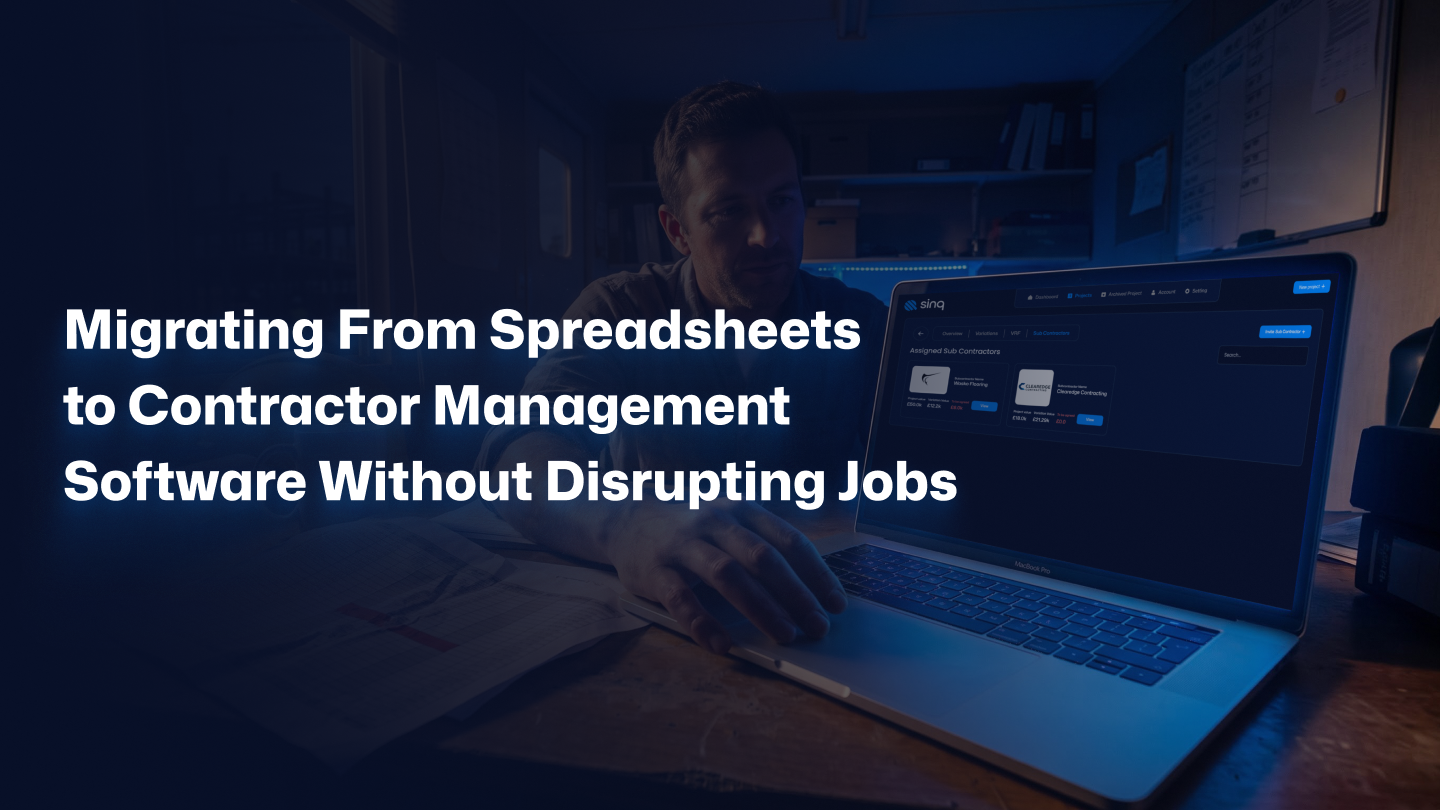
Contractor management software replaces the tangle of spreadsheets, email threads, and photo folders that most commercial teams use to run variations. In one system it captures a change on site, prices it, routes it for approval, and files the supporting evidence against it. Most teams consolidate three or four disconnected tools into one, and that consolidation is where the real time saving comes from.
From scattered files to one commercial source of truth
The point of the switch is not digitising a spreadsheet. It is ending the search. When a variation, its build-up, its photos, its dates, and its approval status all live in one record, the question of which number is correct stops existing. Everyone reads the same line.
| Commercial task | On spreadsheets | On contractor management software |
| Capturing a variation | Typed later from memory or a photo on someone’s phone | Logged on site with evidence attached in real time |
| Getting approval | Chased over email, status unclear | Routed through a defined workflow with a timestamped decision |
| Finding the audit trail | Reconstructed from inboxes months later | Already assembled against the variation record |
| Reporting to the client | A manual copy-paste the night before | Exported in minutes from live data |
Where change order approval software fits in
Approval is where spreadsheets fail most expensively, because a spreadsheet cannot hold anyone accountable. This is the job of change order approval software: it turns a vague email chain into a structured decision with a name, a date, and a reason attached. When a client later disputes a change, you are not defending a memory. You are showing a record.
That structure does more than settle disputes. It speeds them up. A variation that used to sit for three weeks waiting on an unclear sign-off now moves because the system makes the next approver, and the delay, visible to everyone.
Should you switch to contractor management software mid-project, or wait?
Yes, you can switch mid-project, and for most firms waiting is the more expensive choice. The exception is narrow: if a project is within a few weeks of practical completion, finish it on the spreadsheet. For anything with months of variations still to come, migrating to contractor management software now protects far more money than the move risks.
When waiting is the right call, and when it costs you
This is not about spreadsheets being useless. For a two-week job with five variations, a spreadsheet is the right tool, and buying software would be overkill. Intellectual honesty means admitting that. The question is never whether spreadsheets can work. It is whether they can carry the commercial weight you are now putting on them.
The honest test has three parts. Wait if the project is nearly closed out, if the variation count is small, and if only one person ever touches the register. Move now if any of those is false. A job with four months to run, a growing register, and three editors is not a candidate for waiting. It is the exact situation the switch was built for.
The zero-disruption migration playbook, week by week
A safe migration is a sequence, not a switch. The reliable pattern runs across roughly three weeks: audit and freeze the register, run one live job in parallel, reconcile the two datasets, then cut over between valuation cycles. Handled this way, no variation is ever managed by zero systems, and none is managed by two for longer than it takes to prove the new one.
Week 0: audit and freeze your current register
Start with a count, not an import. Open your live register and mark the status of every variation: priced, submitted, approved, disputed, or open. Do not migrate a mess. A register that is 30% incomplete on the spreadsheet will be 30% incomplete in the new system, only now with your team blaming the software.
Then freeze a clean version. Pick a cut-off point, save one definitive copy, and agree that from that moment the spreadsheet is a reference, not a workspace. This single act ends the version-control problem before migration even begins.
Week 1: run one live job in parallel
Pick one project, ideally a mid-life job with steady variation flow, and run it in both systems at once. Every new variation goes into the spreadsheet and the software. Yes, that is deliberate double entry, and yes, it is worth it. You are buying proof that the new system handles your real work before you trust it with everything.
One job, one week, is enough to expose the gaps. The team learns the workflow on live data rather than a demo, and any friction surfaces while the spreadsheet is still there as a safety net.
Week 2: the reconciliation checkpoint
This is the step every competitor skips, and it is the one that keeps the migration safe. At the end of the parallel week, line up the two registers side by side and reconcile them line by line. Every variation, every value, every status has to match. Where they differ, you have found either a data-entry error or a genuine gap in your old spreadsheet.
Do not skip this to save an afternoon. The reconciliation checkpoint is the moment you confirm nothing has been lost in translation, and it is also the moment the parallel run is allowed to end. Two systems running forever is not caution. It is a second version-control problem in disguise.
Cut over between valuation cycles, never during one
Timing is the difference between a calm switch and a crisis. Never cut over in the week before a valuation deadline. Move in the quiet window just after one application goes in and before the next cycle ramps up. That gap is when your team has the most attention to give and the least at stake if a question comes up.
Ready to plan your own cut-over? If the phased approach above fits how your projects run, the next step is a short scoping call to map it to your live jobs. Book a free discovery call with Sinq: 30 minutes, no pitch deck, no commitment, just a direct conversation about whether a switch makes sense for your projects right now.
Move a live variation register without losing your audit trail
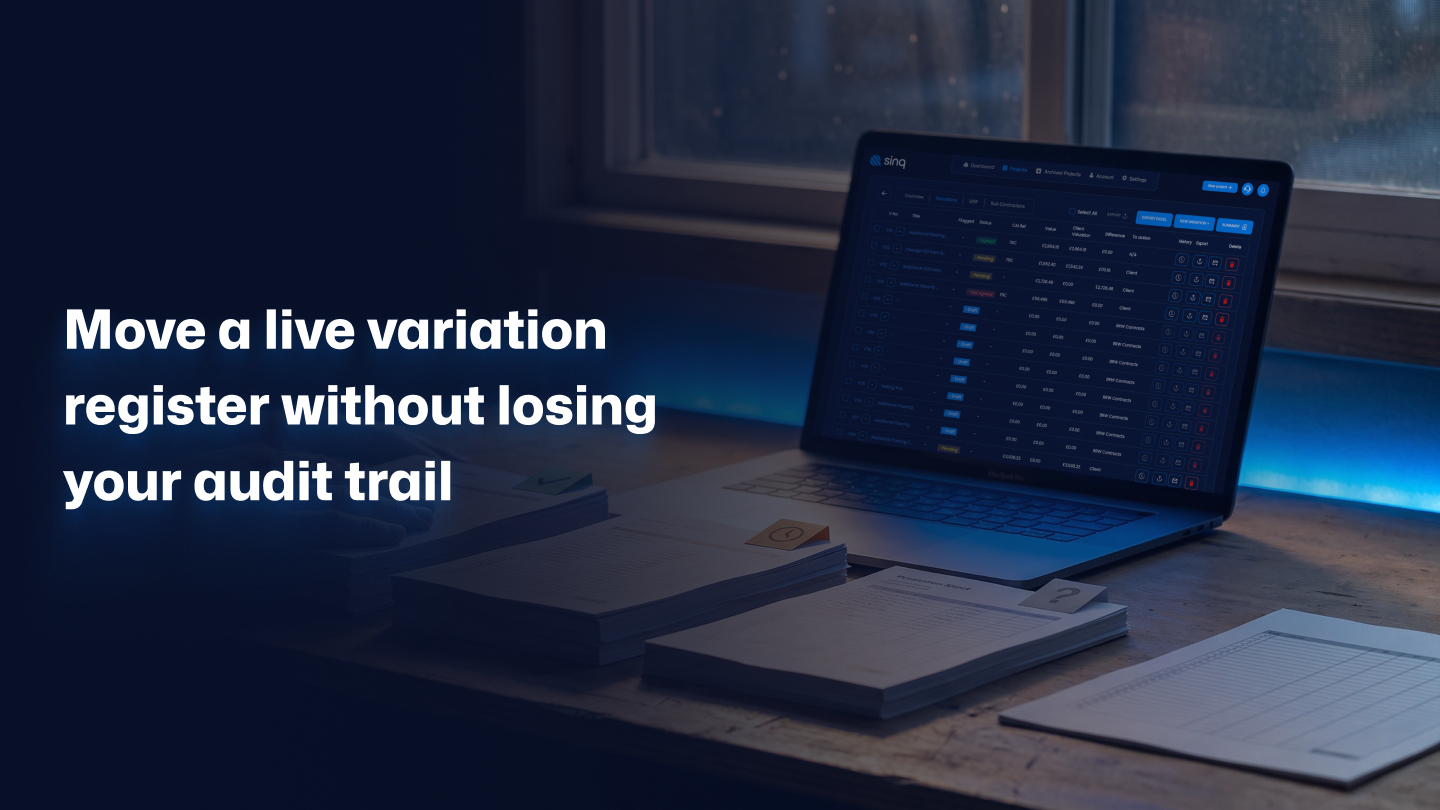
Migrating a live register safely comes down to one rule: preserve the history, not just the numbers. A variation is not a value in a cell. It is a value plus its build-up, its evidence, its dates, and its approval status. Move all five, in that order, and your audit trail survives the switch intact.
Freeze, reconcile, then import
Import in the same sequence every time. Bring across the approved and settled variations first, because they are stable and low-risk. Then the submitted ones awaiting a decision. Then the open items still being priced. Layering the migration by status means the highest-value, most-defensible records land first and get verified before you touch anything still in motion.
Protecting your commercial position at cut-over
Your audit trail is not admin. It is your commercial position in a dispute. Standard-form contracts such as those published by the Joint Contracts Tribunal set out exactly how variations must be instructed, valued, and notified, and a broken record can weaken an otherwise valid claim. During cut-over, guard the dates above all: keep every notice deadline and application date exactly where the contract requires, and make sure no variation slips into limbo, unpriced on the old system and unlogged on the new one.
The safeguard is simple. Nothing gets deleted from the frozen spreadsheet until its match is confirmed in the new system. The old register stays readable as evidence, and the new one becomes the working truth. That overlap is not clutter. It is your insurance during the one week that matters most.
Already know you need to move off spreadsheets? Start a conversation with Sinq here, or keep reading to finish the rollout plan and the buying checklist.
Roll it out by role: QS first, then PM, then site
Adoption fails when everyone is asked to change at once. It succeeds when you sequence the rollout by role, because each role owns a different part of the variation. Start with the commercial team who own the numbers, then the project managers who own status, then the site teams who capture changes. Roughly two weeks per layer is enough for each group to build the habit before the next joins.
Sequence adoption so nothing on site breaks
Give the QS and commercial managers the system first. They feel the pain of lost variations most sharply, so they adopt fastest and become the internal advocates. Once they trust the register, bring in project managers to track status against it. Only then move to site capture, when the people logging variations can see their input landing somewhere that clearly matters.
Contractors also carry record-keeping duties that reach beyond any single project, including the reporting obligations set out under the Construction Industry Scheme. A rollout that keeps clean, centralised records from day one makes those wider obligations easier, not harder, which is another quiet argument for moving sooner rather than later.
Get buy-in from the people who own the numbers
The best rollouts do not announce a new tool. They solve a visible problem for the person adopting it. Show the QS how the new register ends the Thursday-before-valuation scramble, and adoption stops being a mandate. It becomes relief. A team that feels understood by the tool will use it. A team that feels policed by it will quietly keep a shadow spreadsheet.
Choosing project management software for contractors that fits your jobs
The right tool fits your existing workflow rather than forcing a new one. When you evaluate project management software for contractors, judge it on how it handles variations, valuations, and approvals specifically, not on a generic feature list. A platform that manages tasks beautifully but treats a variation as an afterthought will not protect your margin, however polished it looks in the demo.
The questions to ask before you sign anything
Ask these five questions on every demo call:
- How does the system capture a variation on site, and what evidence can it attach?
- Can it hold a full approval workflow with named, timestamped decisions?
- How does it handle build-ups, valuations, and the financial impact of each change?
- What does the migration from our current spreadsheets actually involve?
- What client-ready reports can it export, and how quickly?
The answers reveal the operating culture behind the product faster than any feature grid. A vendor who talks fluently about audit trails and reconciliation understands your world. A vendor who changes the subject to dashboards does not.
Replacing spreadsheets for contracts, not just task lists
There is a real difference between general project tools and commercial ones. General tools help you manage tasks. Commercial tools help you defend money. Replacing spreadsheets for contracts means the software has to carry cost build-ups, variation valuations, and contractual detail, not just a to-do list with due dates.
Evaluate the tool on the work that actually loses you money. The best platforms for contractors treat the variation as the central object and build everything else around it. That is the difference between software that looks busy and software that protects margin.
Frequently Asked Questions
How do you migrate from spreadsheets to contractor management software without losing data?
You migrate in a defined sequence: freeze a clean copy of the register, run one live job in parallel for a week, reconcile both datasets line by line, then import by status. The reconciliation checkpoint is what guarantees nothing is lost, because you confirm every value and status matches before the old spreadsheet is retired. Nothing gets deleted until its match is verified in the new system.
Can I switch construction software in the middle of a live project?
Yes, and for most active projects it is worth it. The safe method is a parallel run on one job, then a cut-over timed between valuation cycles rather than during one. Avoid switching only if the project is within a few weeks of completion, where finishing on the existing spreadsheet carries less risk than moving. For jobs with months of variations still ahead, migrating now protects more margin than it risks.
How long does it take to move off spreadsheets?
Plan for roughly three weeks per initial project: a week to audit and freeze the register, a week of parallel running, and a short reconciliation and cut-over window. Rolling out across the whole commercial team usually takes another few weeks, sequenced by role. The timeline is deliberately unhurried, because a rushed migration is how variations get lost.
Will my site team actually use new project management software?
They will if the rollout is sequenced and the tool is mobile-friendly. Give the commercial team the system first so it proves its value, then bring site teams in once they can see their input landing somewhere that matters. Adoption succeeds when the software solves a visible problem for the person using it, and fails when it feels like surveillance. Make capture fast on site, and the habit sticks.
What happens to my old spreadsheets and audit trail after migrating?
You keep them. The frozen spreadsheet stays readable as historical evidence, and nothing is deleted until its match is confirmed in the new system. Once the new register becomes the working source of truth, the old files become an archive, not a workspace. Preserving that history protects your commercial position if a past variation is ever queried or disputed.
Where to start, and what happens next
The migration is not the risk. The spreadsheet is the risk, and it has been quietly costing you variations for longer than you would like to admit. Contractor management software does not fix that by being clever. It fixes it by making every change visible, valued, and defended, on a live job, without a day of lost control.
Start small. Audit one register, freeze it, and run one project in parallel for a week. That single step tells you more than any demo, and it commits you to nothing. The firms that move off spreadsheets do not do it in one heroic weekend. They do it one reconciled job at a time.
If you run live projects and want a partner who plans the switch around your valuation cycles rather than against them, book a free 30-minute discovery call with Sinq. No pitch deck. No pressure. Just a direct conversation about whether moving off spreadsheets makes sense for your projects right now.
Your variations are already worth defending. Start defending them.